
Your product becomes an ICP
Describe your product, its use case and the market you want to serve. The ICP draft suggests company characteristics and buying roles to investigate; it does not establish that those buyers need your product.
Start with what you sell and the problem it solves. Build an ICP, review matching contacts, and decide who is worth a closer look.
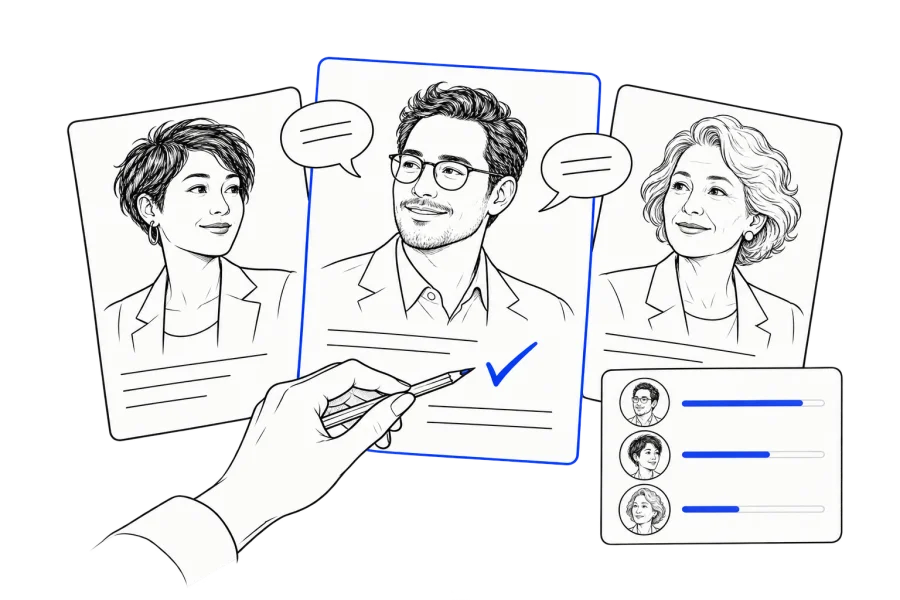
Describe the problem you solve, the companies that experience it and the person responsible for that work. Use those criteria to build a shortlist, then check each company and contact against current sources before reaching out.
Already have a prospect list? Use the ICP scoring worksheet to decide who to contact first, what needs research and which accounts to revisit later.
Prioritise a list you already haveAskUser helps you form a customer hypothesis and review matching records. You still need to confirm the circumstances behind each match.
Describe your product, its use case and the market you want to serve. The ICP draft suggests company characteristics and buying roles to investigate; it does not establish that those buyers need your product.
Signed-in matching compares the ICP with accessible records in the shared contact pool and your own imports. Industry and geographic coverage vary; a matching explanation is not a hard country filter or a current buying signal.
Read the reason alongside the company, role and available contact details. Verify the business, location and person before writing. A similar title alone does not confirm purchasing authority.
Free accounts can run one match a day with three contacts per match. The public generator drafts an ICP; real-contact matching is a separate signed-in step.
Separate what you need from what you have verified. Copy this brief into your research notes and use the product description when creating your ICP.
This worksheet stays in this page. It does not search contacts, apply matching filters or save your edits. Copy or download it before leaving.
When looking for customers in a country, specify which location matters. Check each one separately against a current source.
Where the business is based. Use its company website or registration details; a contact’s location is not enough.
Where the person works. A US-based employee can work for a company headquartered elsewhere.
Where the customer runs projects or sells. Exporting to Germany does not make a business a German company.
New lead discovery in EU markets is off by default. EU contacts in your own imported list are unaffected. Shared records cannot be bulk exported, and email addresses are masked on screen.
See matching limits and account optionsProduct input: project-handover software for general contractors that need to collect closeout documents from subcontractors across several active projects.
The shared pool includes construction contacts recorded as located in the US. This example is a research workflow, not a live matching run or a promise of coverage in a particular city or trade.
Screen for construction businesses operating projects in the US. Verify headquarters separately. Investigate operations leaders, project executives and project managers; exclude equipment resellers and firms without the workflow your product supports.
All three records and evidence descriptions above are fictional. They show how to review a match; they are not customer endorsements, verified leads or evidence of purchase intent.
Illustrative evidence: a company project page shows several active US projects. Possible fit: coordinating closeout across teams. Still check: who owns handover, how documents are collected and whether the person is still in this role.
Illustrative evidence: a dated role description includes oversight of project delivery. Possible fit: responsibility across several projects. Still check: purchasing authority, current systems and a real reason to change them.
Illustrative evidence: a team page names a manager for one project. They may explain the workflow, but may not buy software for the company. Ask who approves a tool before treating the contact as the decision-maker.
For a real shortlist, keep the source URL and date beside each claim. An unverified location, role or workflow stays unknown until checked.
Use what you have verified to prepare a relevant message and decide what you still need to learn.
Base the draft on the contact’s role, company and checked context. Review and edit the message before sending.
Mail goes out under your name from your own address, with click tracking on the links.
Use replies to revisit your assumptions about the customer. A reply can add evidence; a missing reply does not prove there is no need.
Turn your product description into an ICP draft, then review real-contact matches in your account.
Draft an ICP publicly. Sign in for contact matching; availability depends on accessible records.